


Understanding Accessibility: Permanent, Temporary, and Situational Disabilities
What comes to mind when we hear the word “accessibility”? Most of us picture a wheelchair ramp or a screen-reader-friendly website. We often see it as a niche requirement, something built for a small percentage of the population.
But think about speech-to-text technology. Originally, it was developed to assist people with a range of disabilities, including motor and speech-related needs. Today, it’s part of everyday life. We use it to search with our voice or give commands to tools like Siri or Google Assistant.
This is the curb cut effect in action. When we solve edge cases, we often make things easier for a much larger group of people.
In this post, we’ll look at different types of disabilities: permanent, temporary, and situational. We’ll also walk through examples of how solutions designed for permanent disabilities end up benefiting everyone.
Types of User Limitations
We often think of disability in black and white: you either have one or you don’t. But accessible design treats disability as a spectrum.
The table below shows how limitations can appear across vision, hearing, motor, and speech, depending on the situation.
The Persona Spectrum at a Glance
| Category | Permanent | Temporary | Situational |
|---|---|---|---|
| Vision | Blindness | Cataracts | Glare on a screen |
| Hearing | Deafness | Ear infection | Loud bar or construction noise |
| Motor | One arm | Broken arm | Holding a baby |
| Speech | Non-verbal | Laryngitis | Heavy accent |
To see why this matters, look at how these categories overlap in real life. When we solve for permanent needs, we often create a safety net for temporary limitations and added convenience for situational ones.
We often think of disability in black and white: you either have one or you don’t. But accessible design treats disability as a spectrum.
1. The Power of Captions (Hearing)
Permanent For a person who is deaf, captions are often a primary way to access video content.
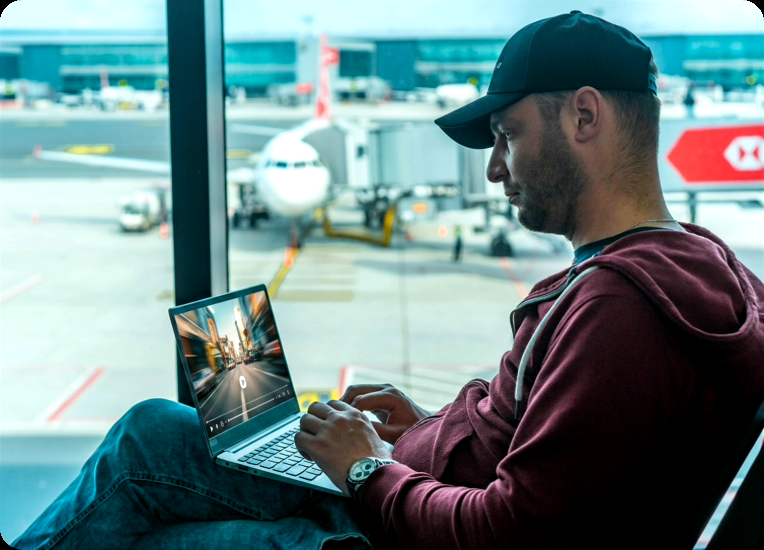
Temporary/Situational Now imagine you have an ear infection that muffles sound, or you’re trying to watch a video in a noisy airport without headphones.
The Result Designing for the Deaf community also helps someone in a noisy environment still get the information they need.
2. One-Handed Navigation (Motor)
Permanent An individual with one arm relies on interfaces that don’t require complex two-handed gestures.
Temporary/Situational Think of someone with a broken wrist, or a parent navigating a website while holding a child.
The Result A thumb-friendly design, where key actions are easy to reach with one hand, works better for all of them.
3. High Contrast and Brightness (Vision)
Permanent Someone with low vision may need high-contrast text to read content clearly.
Temporary/Situational Now think about trying to read your phone in bright sunlight.
The Result The same high-contrast design that supports low vision also helps in everyday situations like glare.
Why This Matters for Your Business
When you consider permanent, temporary, and situational limitations, you can create experiences that work better for a wider range of people. Beyond the ethical case, accessibility is also a practical business decision.
Here’s why:
Wider audience By adhering to accessible standards, you can reach more people and improve engagement.
Better brand perception Brands that prioritize accessibility are often seen as more inclusive and thoughtful.
Improved customer experience Accessible design often leads to a smoother, easier experience for users.
Reduced legal risk Many countries have accessibility laws, such as the ADA or EN 301 549. Ignoring these can increase legal and financial risk.
When we choose to consider accessibility, we support a wide range of real needs, often without even realizing it. Accessibility isn’t a final destination. It’s an ongoing process of improvement.
By making your corner of the internet more inclusive today, you’re helping build a web that works better for more people.